


Self-checkout — a separate Torgsoft operating mode in which the customer independently scans goods and pays for them by card without a cashier. This reduces the workload on staff during peak hours and adds another checkout point to the store without hiring a new cashier. It is suitable for retail stores with a high customer flow and a small average receipt.
What Self-checkout can do
Interface and welcome screen
- Adaptive interface — scales to monitors of different sizes, works on horizontal and vertical screens, optimized for Full HD.
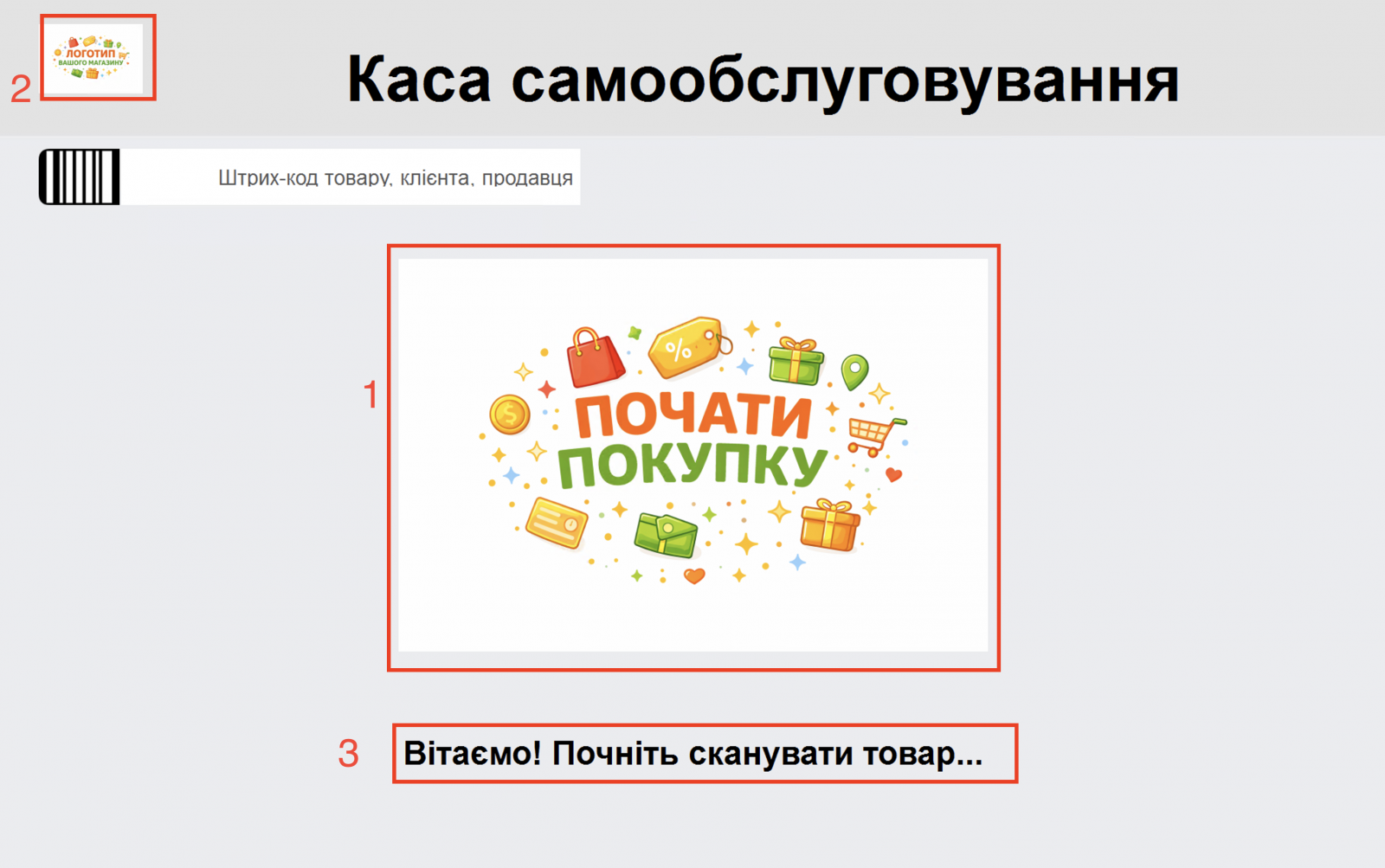
- Welcome screen — in standby mode, hides the checkout functionality; you can upload your own image, store logo and welcome text.
- Table and totals settings — unnecessary columns can be hidden, and the totals row can be completely removed from the main screen.
- Font management — changing the interface font size for a specific screen.
Product scanning and cart
- Constant focus on the barcode — the cursor is always in the input field, so scanning works from any area of the screen without a mouse.
- Manual code entry — if the barcode is damaged, it can be entered using the virtual keyboard on the touchscreen.
- Quantity change — the customer adjusts the quantity of a regular product using a numeric form.
- Product removal — an item can be removed from the cart; removing the last item returns the checkout to the welcome screen.
Excisable goods and 18+ age control
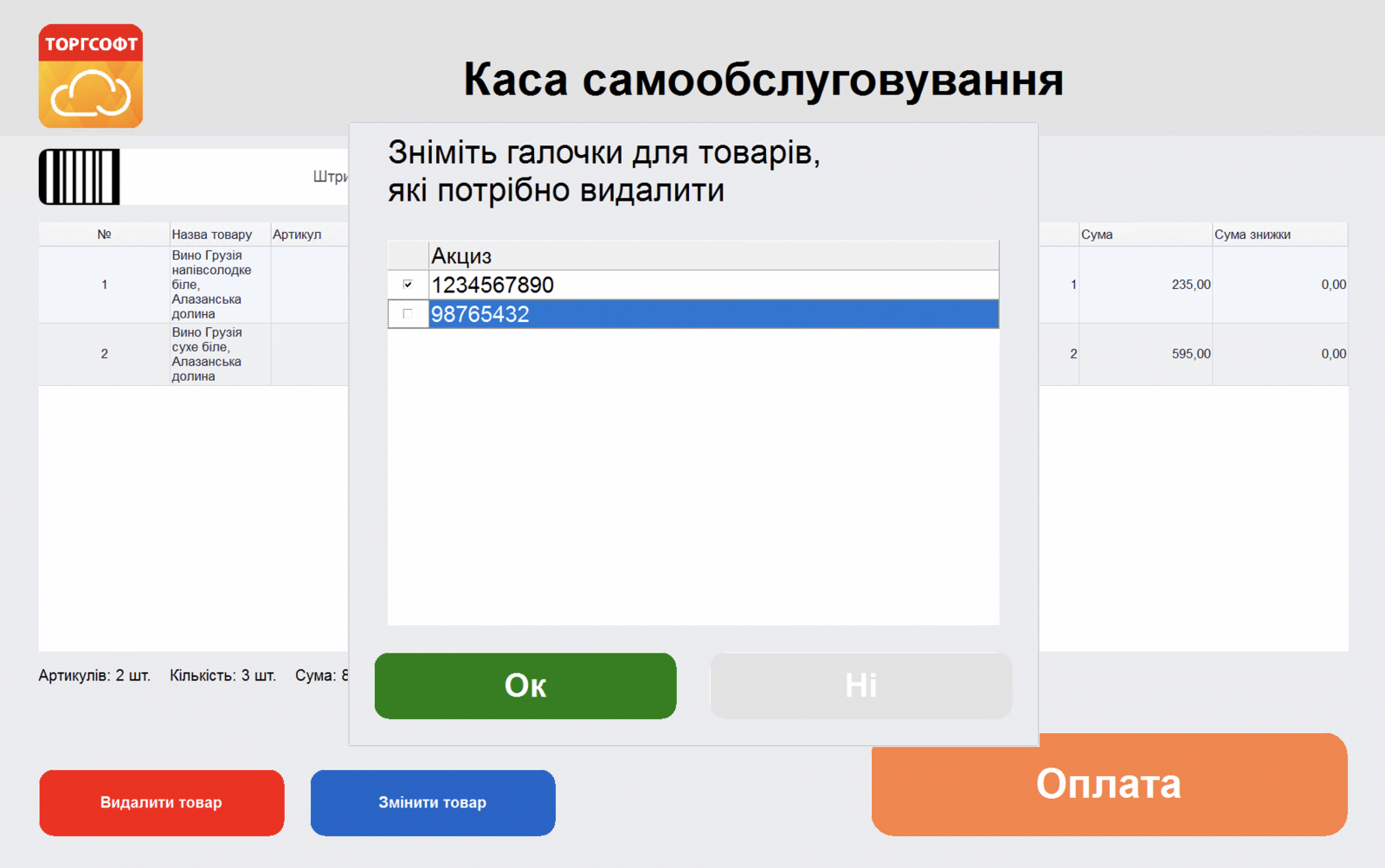
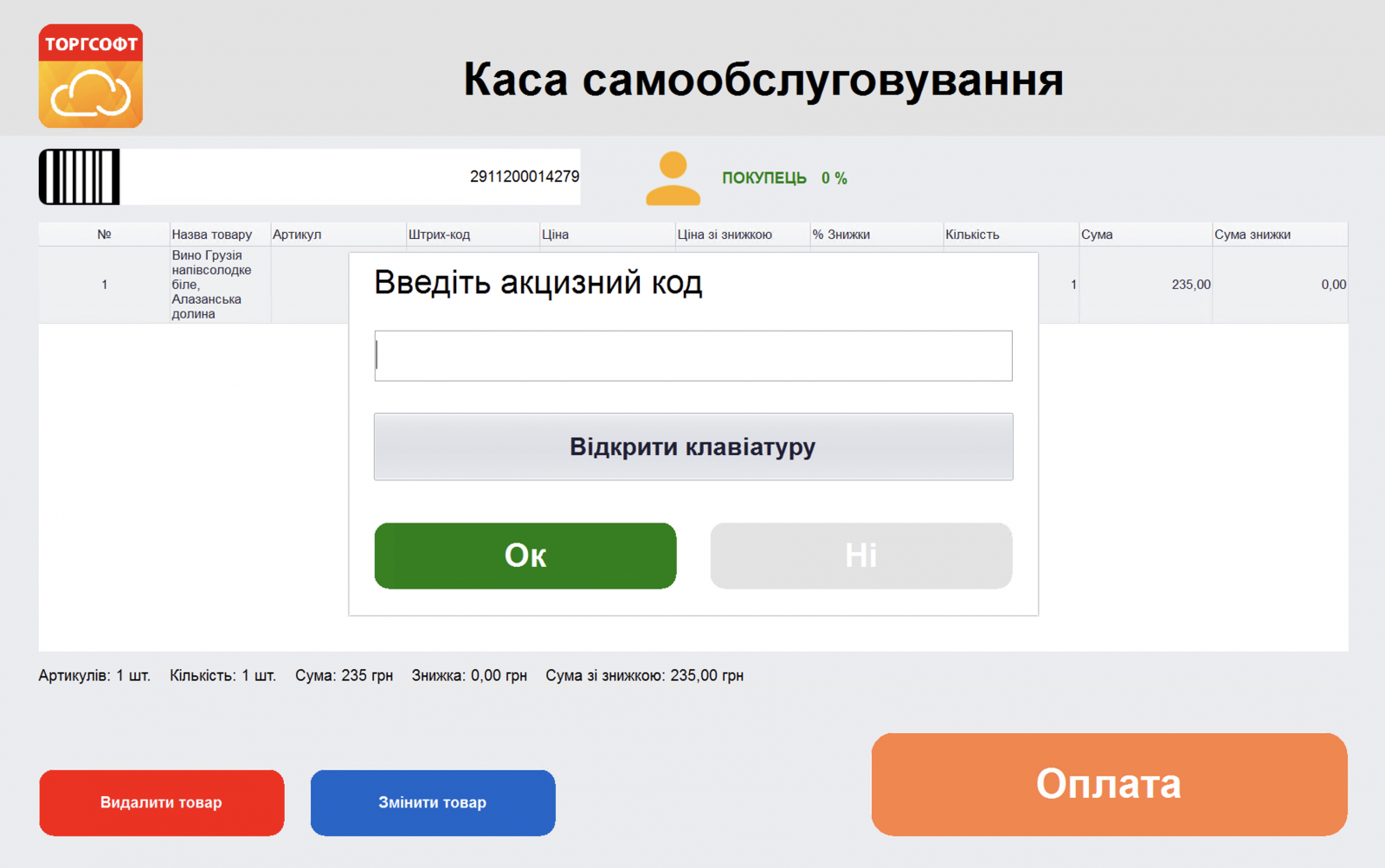
- Excise stamp entry — when scanning an excisable product, a separate form opens for scanning or manually entering the stamp.
- Managing the quantity of excisable goods — the quantity is changed by selecting stamps, and increased by scanning the barcode again.
- Payment blocking until age confirmation — payment for 18+ goods is blocked until a seller approaches and scans their badge.
Loyalty programs
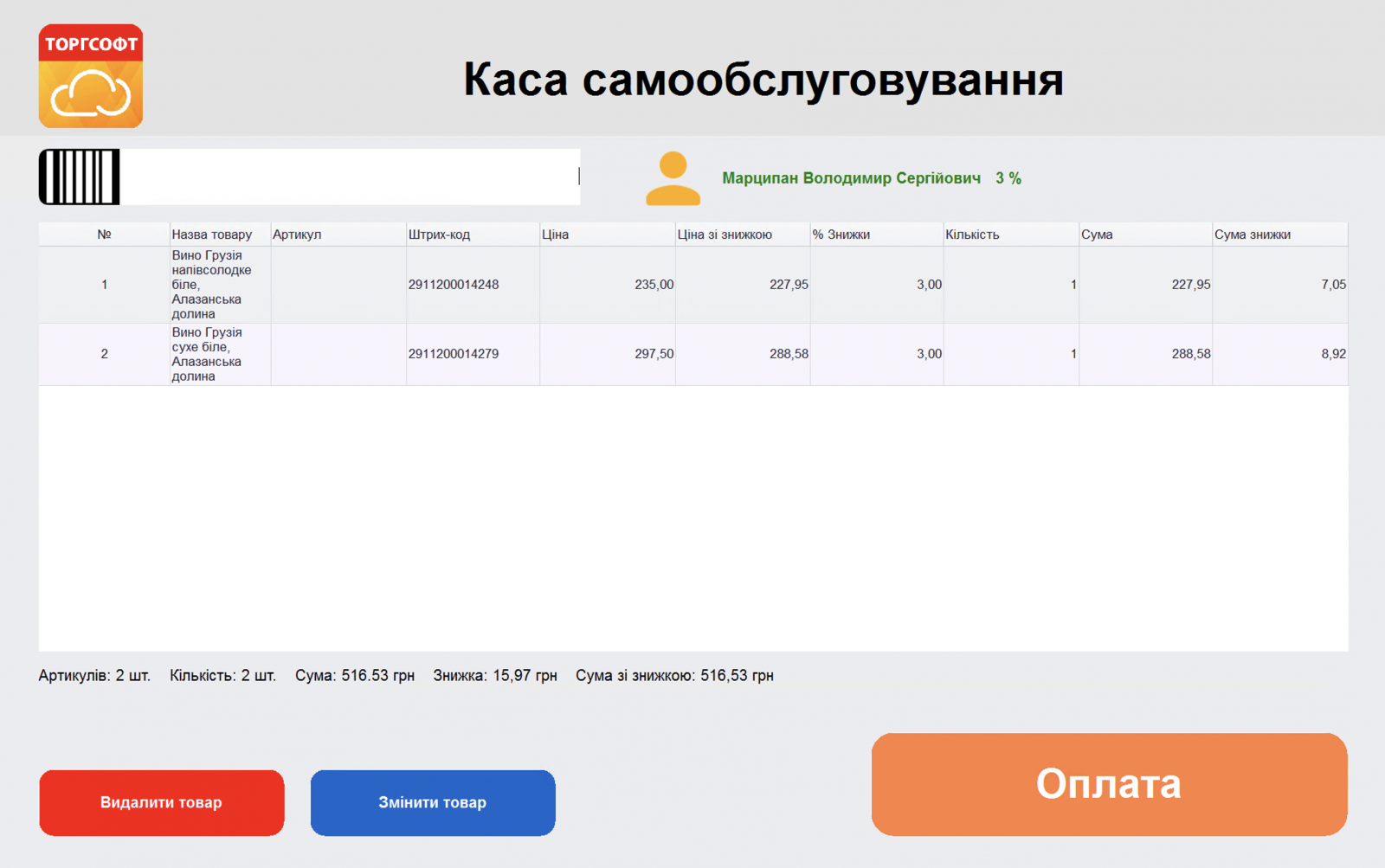
- Discount cards — after scanning the card, the customer’s name appears on the screen, and the discount is calculated and applied to the cart automatically.
- Bonus cards — the customer’s name is displayed on the screen, and bonuses from the purchase are accrued.
Payment and fiscalization
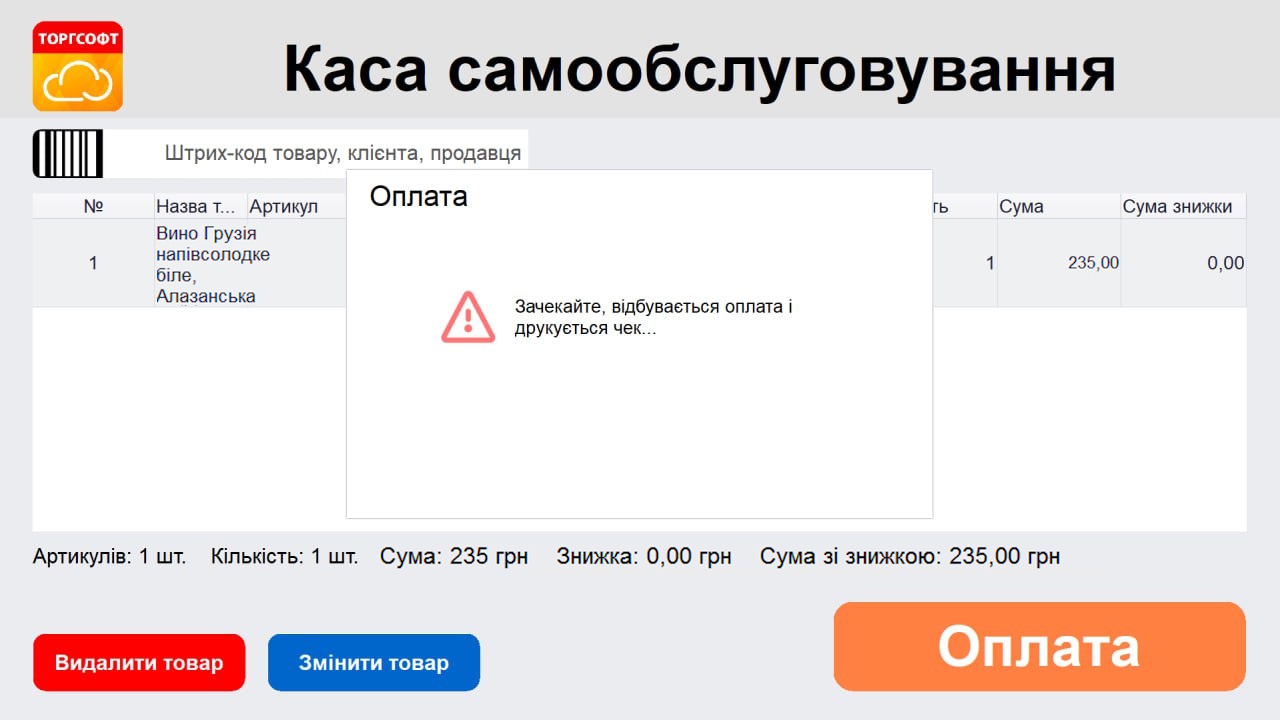
- One-touch cashless payment — the «Payment» button sends the amount to the connected bank terminal.
- Automatic fiscalization — after successful payment, a fiscal receipt is printed through a pECR or fiscal registrar.
- Receipt printing modes — fiscal, non-fiscal or mixed, depending on the product type.
- Card only — the checkout accepts only cashless payment and does not work with cash.
Security, access and administration
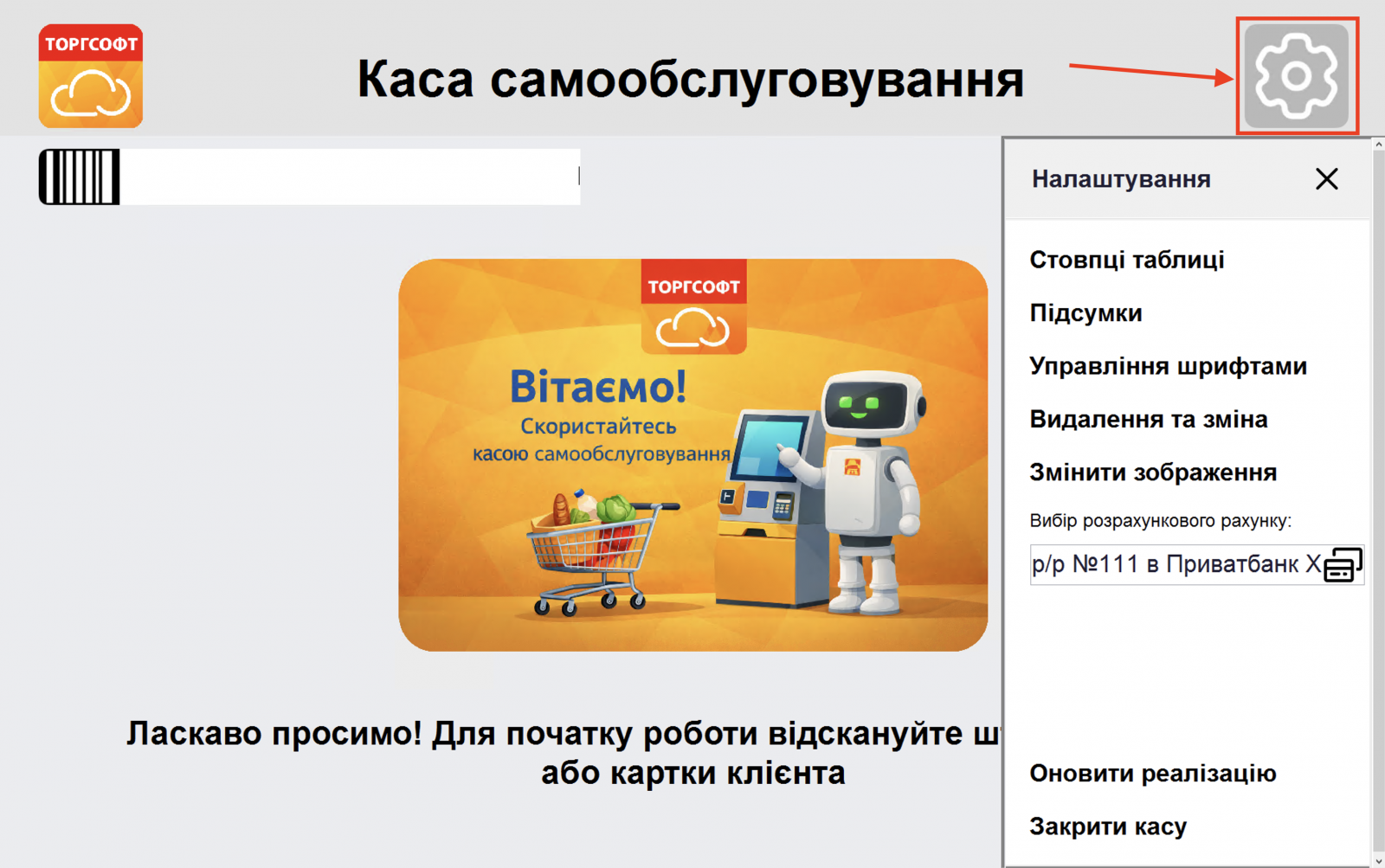
- Access to settings by badge — the administration menu opens only after scanning the seller’s barcode.
- Hiding control buttons — the owner can hide the «Remove product» and «Change product» buttons from the customer.
- Settlement account selection — the account for processing payments in self-checkout mode is set in the protected menu.
- Sale update and checkout closing — full cart reset and application closing are available only to the seller through the protected menu.
Integrations are already included in the option price. Work with a bank terminal, pECR and fiscal registrar is included in the Self-checkout option itself — they do not need to be purchased separately. More about related options: pECR, Integration with Fiscal Registrar, Integration with Bank Terminal.
More about the option: torgsoft.ua/options/self-checkout/


